
Hunter's Moon Accessibility: PS5 Features Explained
Adjust Hunter's Moon accessibility on PS5 with large subtitles, audio controls, optional haptics, and pausing to make your moonlit escape fit your needs.
Jump to
What Does Hunter's Moon Accessibility Offer on PS5?
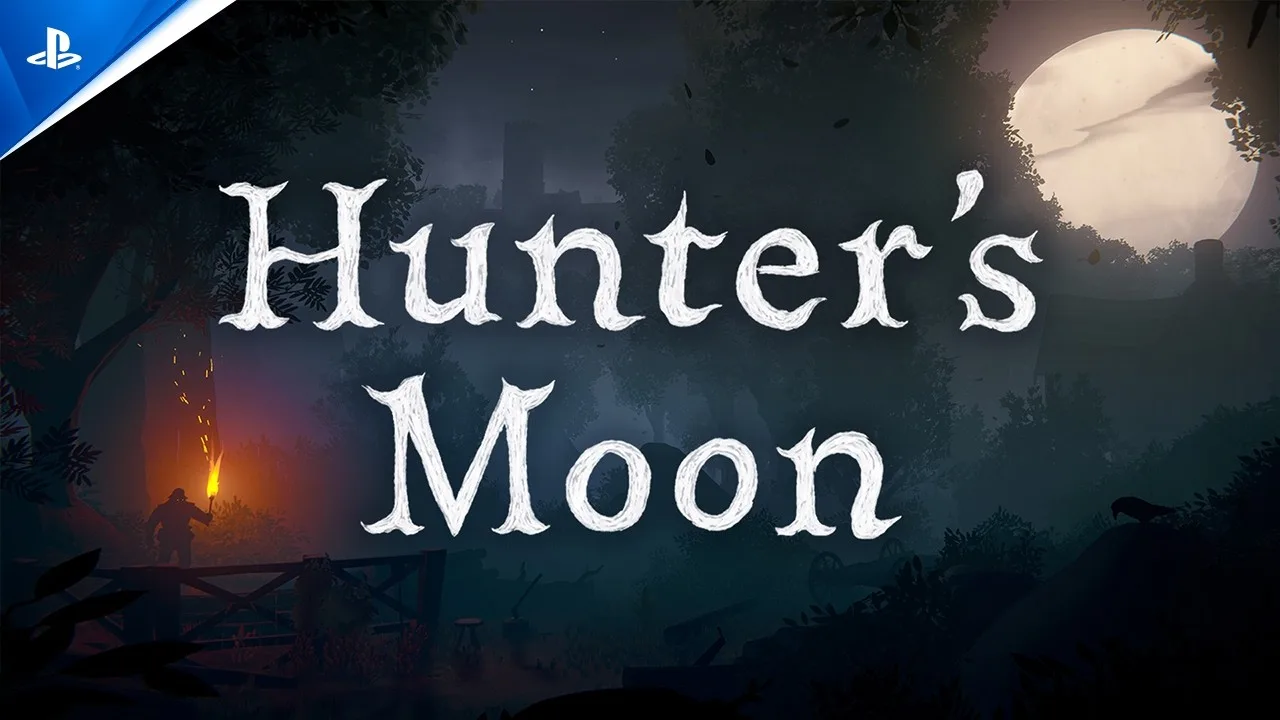
A moonlit escape is easier to settle into when the controls and presentation fit your needs. Hunter's Moon accessibility features include large subtitles, individual audio volume controls, optional controller effects, and pausing during gameplay and cinematics. Understanding Hunter's Moon accessibility matters because this first-person folk-horror game builds its story around listening to villagers while avoiding the people hunting you.
You play as Lilith Thorne, an accused witch fleeing through a 17th-century English village, nearby forests, and moors. Eavesdropping at windows reveals village stories and can provide knowledge or assistance. That makes dialogue readability and audio setup worth considering before you get absorbed in the night.
The PS5 version provides several ways to adjust the experience:
| Feature area | Available support |
|---|---|
| Text | Basic subtitles and large subtitles |
| Audio | Individual volume controls and 3D audio |
| Stick controls | Basic stick inversion options |
| Controller effects | Play without vibration or adaptive trigger effects |
| Input methods | Play without motion or touch controls |
| Breaks | Pause during gameplay and cinematics in offline play |
These options address different needs. Large subtitles concern reading size, while optional trigger resistance concerns how the controller feels in your hands. Pausing provides a separate kind of flexibility: the ability to interrupt a tense scene when you need a break.
Start with the feature that matters most to your play session. Check text readability if following dialogue is your priority. Review controller effects if vibration or resistance makes playing uncomfortable. Then adjust the remaining options around those needs.
Hunter's Moon accessibility is easier to assess feature by feature than as a single promise that the game will suit everyone.
Subtitles, Text Size, and Dialogue Coverage
Subtitles deserve particular attention here. Hunter’s Moon features more than 100 fully voiced characters, and its village conversations are central to the atmosphere. Listening at a window is part of exploring the setting and learning about the people living through the hunt.
The PS5 version includes basic subtitles for the main story and main characters only. It also presents large subtitles using a larger font to improve readability. Those are two distinct details: one describes which dialogue receives subtitles, while the other describes the text’s size.
| Text feature | What it provides | What to consider |
|---|---|---|
| Basic subtitles | Text for the main story and main characters | Account for that coverage when deciding how you will follow dialogue |
| Large subtitles | A larger subtitle font | Check readability from your usual seating position |
| Screen languages | English, French, German, Italian, and Spanish | Choose a supported language you can read comfortably |
Check Readability From Where You Actually Play
Assess subtitles from your normal chair or couch. Text that looks comfortable when you lean toward the screen needs to remain readable once you settle back.
Use a main-story conversation to judge whether you can comfortably follow the text. Pay attention to the practical experience of reading while also looking at the scene. Hunter’s Moon places you inside its environments, so dividing your attention between dialogue and the world is part of the experience.
Keep subtitle coverage in mind alongside size. A larger font changes readability; basic subtitles still cover the main story and main characters only. For players who depend on text to understand spoken content, that distinction is an essential part of Hunter's Moon accessibility.
Choose a Comfortable Language
Voice and screen language support includes English, French as used in France, German, Italian, and Spanish. Choose a supported language you understand comfortably, especially if historical dialogue takes extra concentration.
Treat language choice as part of your setup. Following the story should leave you attention for the village, its inhabitants, and the unfolding escape.
Audio Controls and 3D Sound
Sound carries much of Hunter’s Moon’s personality. The game combines extensive voice acting with folk music and a setting built around overheard conversations. Audio adjustments therefore affect a substantial part of how you experience the night.
Individual volume controls let you reduce or mute separate audio volumes. The game also supports 3D audio, allowing sound to be presented around you.
| Audio feature | Available adjustment | Setup tip |
|---|---|---|
| Individual volume controls | Reduce or mute individual audio volumes | Adjust the balance around the sounds you need to follow |
| 3D audio | Present sounds around the listener | Choose the presentation you find comfortable to listen to |
Begin with a comfortable overall listening level, then adjust the individual volumes. Listen through a conversation before deciding whether the balance works for you. Eavesdropping is important enough that following speech deserves deliberate attention.
Make changes individually so you can judge their effect. Adjusting several volumes together makes it harder to identify which change improved the experience.
Decide How You Want Sound Presented
3D audio provides a surrounding sound presentation. Consider it separately from loudness: the spatial arrangement of sound and its volume address different preferences.
Evaluate the presentation during ordinary exploration and conversation. Choose the setup that lets you listen comfortably rather than assuming a particular audio feature must suit you.
Audio and subtitles also deserve separate checks. Readable text does not determine whether the sound balance feels comfortable, and comfortable sound does not determine whether the text is easy to follow. Review both before settling into an extended session.
For Hunter's Moon accessibility, this is especially relevant because listening serves both storytelling and exploration. Give the audio enough attention that conversations remain something you can engage with throughout the game.
Controller Options: Inversion, Haptics, and Triggers
Hunter’s Moon can be played without motion controls, touch controls, controller vibration, or adaptive trigger effects. It also provides basic stick inversion options.
These features let you consider several aspects of controller use separately. You can assess stick direction, physical feedback, trigger resistance, and motion or touch requirements without treating them as one combined preference.
| Control feature | PS5 support | Practical action |
|---|---|---|
| Basic stick inversion | Some stick inversion options are available | Check the available options against your preferred stick behavior |
| Motion controls | Playable without motion input | Use a setup that does not require controller movement |
| Touch controls | Playable without touch input | Play without relying on touch-based controls |
| Vibration and haptics | Playable with vibration disabled | Disable vibration if you prefer less physical feedback |
| Adaptive trigger effects | Playable with trigger resistance disabled | Turn off the effect if you prefer playing without added resistance |
Check Stick Direction Before Exploring
First-person movement makes stick behavior an immediate consideration. Review the available inversion options before progressing far into the village.
Test the direction of your view deliberately. If it feels opposite to what you expect, check the inversion choices before trying to adapt through a tense encounter.
The support here is basic stick inversion. Focus your setup check on the available inversion choices and whether they match the way you prefer to control your view.
Adjust Physical Feedback Separately
Vibration and adaptive triggers create different sensations. Vibration produces physical feedback through the controller, while adaptive trigger effects add resistance to the triggers.
Turn off either effect if it interferes with comfortable play. Because the game supports playing without both, you can make that choice around your own preferences.
Check each effect separately if you are deciding what to keep. You might have different preferences for vibration and trigger resistance, so give each its own consideration.
The ability to play without motion and touch controls is another useful part of Hunter's Moon accessibility. If moving the controller or using touch input does not suit you, those input methods are optional.
Complete these checks before becoming absorbed in the escape. Familiar stick behavior and comfortable controller feedback let you devote more attention to navigating and listening.
Pausing, Breaks, and Preparing for the Night
Hunter’s Moon allows you to pause at any time during gameplay or cinematics in offline play. That includes moments when the story is unfolding through a cinematic, giving you a way to step away during both exploration and presentation.
Use that flexibility whenever you need to stop. Pause before answering an interruption, resting your hands, or taking time away from the screen.
The game supports offline play and is a single-player game. Its pause support fits that structure: you can interrupt your own session without coordinating with other players.
Separate Pause Support From the Horror
A pause function gives you control over when you take a break. The story itself still follows an accused woman trying to escape hunters through a rural village and its surroundings.
Consider that premise alongside the settings. Readable subtitles and optional controller effects address presentation and input, while the subject matter remains historical persecution and pursuit.
Use breaks around your own comfort level. If the situation feels intense, pause rather than pushing forward simply because a scene is underway. Cinematic pause support makes that possible during story sequences as well.
Finish a Short Setup Checklist
Before committing to the night, work through the settings that affect your experience:
- Check large-subtitle readability from your usual seat.
- Keep basic subtitle coverage in mind when assessing dialogue access.
- Choose a supported language you understand comfortably.
- Adjust individual audio volumes to your listening preferences.
- Review stick inversion before relying on familiar movements.
- Disable vibration or adaptive trigger effects if you prefer.
- Use pause whenever you need a break.
Judge Hunter's Moon accessibility against your specific requirements. Subtitle size, dialogue coverage, controller feedback, and pause support each answer a different practical question.
If those features fit your needs, you can view Hunter’s Moon for PS5 on the PlayStation Store. Set up the experience around how you read, listen, and hold the controller before following Lilith into the village.
FAQ
What Hunter's Moon accessibility features are available on PS5?
The PS5 version includes basic and large subtitles, individual audio volume controls, 3D audio, basic stick inversion, and pausing. You can also play without motion controls, touch controls, vibration, or adaptive trigger effects.
Does Hunter’s Moon subtitle every conversation?
Basic subtitles cover the main story and main characters only. Large subtitles provide a larger font size. Consider both coverage and readability when deciding whether the text support meets your needs.
Can you pause Hunter’s Moon during cinematics?
Yes. You can pause at any time during gameplay and cinematics in offline play. Use pause when you need to rest, handle an interruption, or step away from a tense scene.
Can you play without haptics and adaptive triggers?
Yes. Hunter’s Moon supports playing with controller vibration and adaptive trigger effects turned off. Motion controls and touch controls are also optional, and basic stick inversion options are available.
Continue with
 Hunter's Moon PS5: Release, Gameplay, and Buyer GuideHunter's Moon PS5 brings a historical witch hunt to life. Explore release dates, stealth, village encounters, and what to expect before you start playing.
Continue exploring
Hunter's Moon Eavesdropping: Doors, Clues, and Danger
Hunter's Moon eavesdropping helps you read village conversations and seek help. Learn how to approach houses, listen for clues, and weigh every knock.
Hunter's Moon Beginner Guide: Survive the Witch Hunt
Use this Hunter's Moon beginner guide to prepare for the hunt, follow conversations, seek help, and explore Lilith's dangerous journey through Yorkshire.
Join the community
Official channels for news, updates and player help: